Fraud doesn't look like fraud. It looks like a logo you trust and a button that says "Verify." The tell is always in the small print, and on a phone the small print is even smaller. Here are the seven places it hides, and what to do about each one.
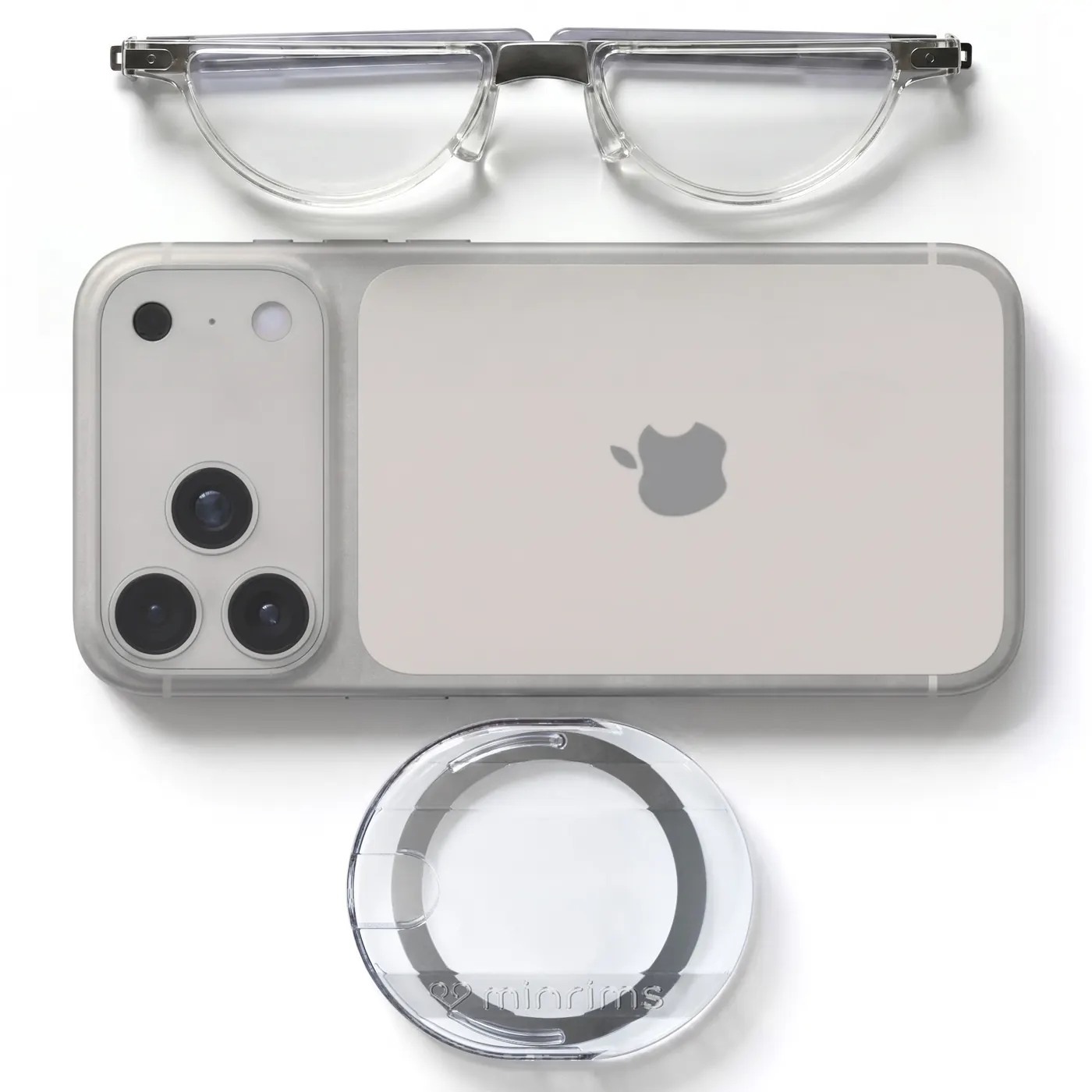
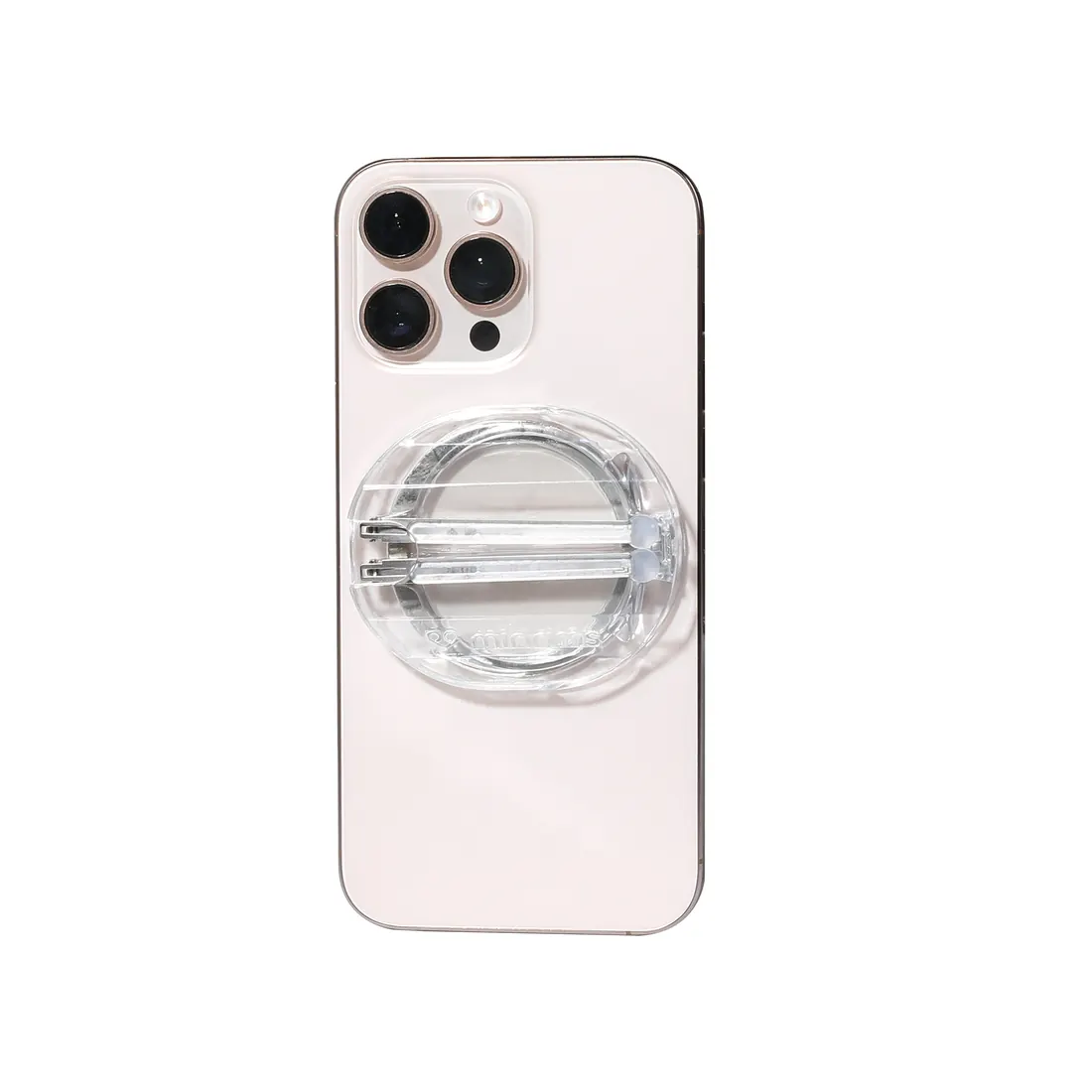
Buy with Prime: readers that fold onto your phone, so the small print isn't a problem →
1. The address behind the sender's name
Phone mail apps show the display name and hide the address. Tap the name. If it says "Account Services" and the address is something like alerts@account-services-verification-secure.net, it isn't your bank. In the 2022 study that compared desktop to phone, most people never expanded it. That one tap is the whole game.
Your December statement is ready to view
Hi ,
Your statement for the period ending 12/31/2025 is now available. For your security, statements can be viewed online for 30 days.
If you did not request this statement, no action is needed.
Please do not reply to this message. This mailbox is not monitored. Member FDIC. Equal Housing Lender.
2. The URL under the button
You can't hover on a phone. Long-press the link and read the preview before you tap. "amazan.com" is the example the government's own cybersecurity agency uses for a reason: one letter, gray text, small screen.
3. The attachment name
Invoice.pdf.exe is not a PDF. The last three letters are the ones you need to see, and they're the ones cut off by the file icon. If you weren't expecting an attachment, don't open it. Call the company on the number from their site.
4. The "reply-to" line
Different from the "from" line, and hidden one level deeper. Scammers set it to their own inbox so your reply, and everything you put in it, goes to them. Most people have never looked at it. Look at it.
5. The one-time code text
It says which company sent it and what it's for, in the small print under the six digits. If you didn't ask for it, someone else did. Never read a code to anyone who calls you, even if they say they're the bank. The FBI logged more than 5,100 complaints and $262 million in losses from exactly this move since January 2025.
6. The pop-up fine print
"Download this tool to fix your computer." That's how Brenda, a retiree, lost close to $20,000 in June across her credit union account and her 401(k): a fake pop-up, a download, and someone else driving her screen. Read what it wants before you tap Allow.
7. The letter from your bank
The real one. It arrives after the damage, on paper, in eight-point type, and it's the one that tells you a "mobile withdrawal" happened at a branch in Missouri while you were home in Texas. Read your statements. Every line.
The common thread
All seven are things you read, in small type, on a screen the size of your hand. Nearly 90% of adults over 45 need readers for exactly that type, and phone users spot phishing 10 points worse than desktop users, mostly because the phone hides the small print one tap deeper.
My dad tapped a "your statement is ready" button on his phone he couldn't read clearly. The follow-up email landed on his laptop. Six months of card fraud followed, then $30,000 walked out of three US Bank branches in Missouri. His readers were on the nightstand.
Bottom line
The scam is in the small print. Keep your readers with you, and read it.